
Check every pictured or named accessory against the orderable retail set. Approve the artwork after the pack sample, item list and retailer listing agree on what is included.
Separate attachment options from the orderable pack
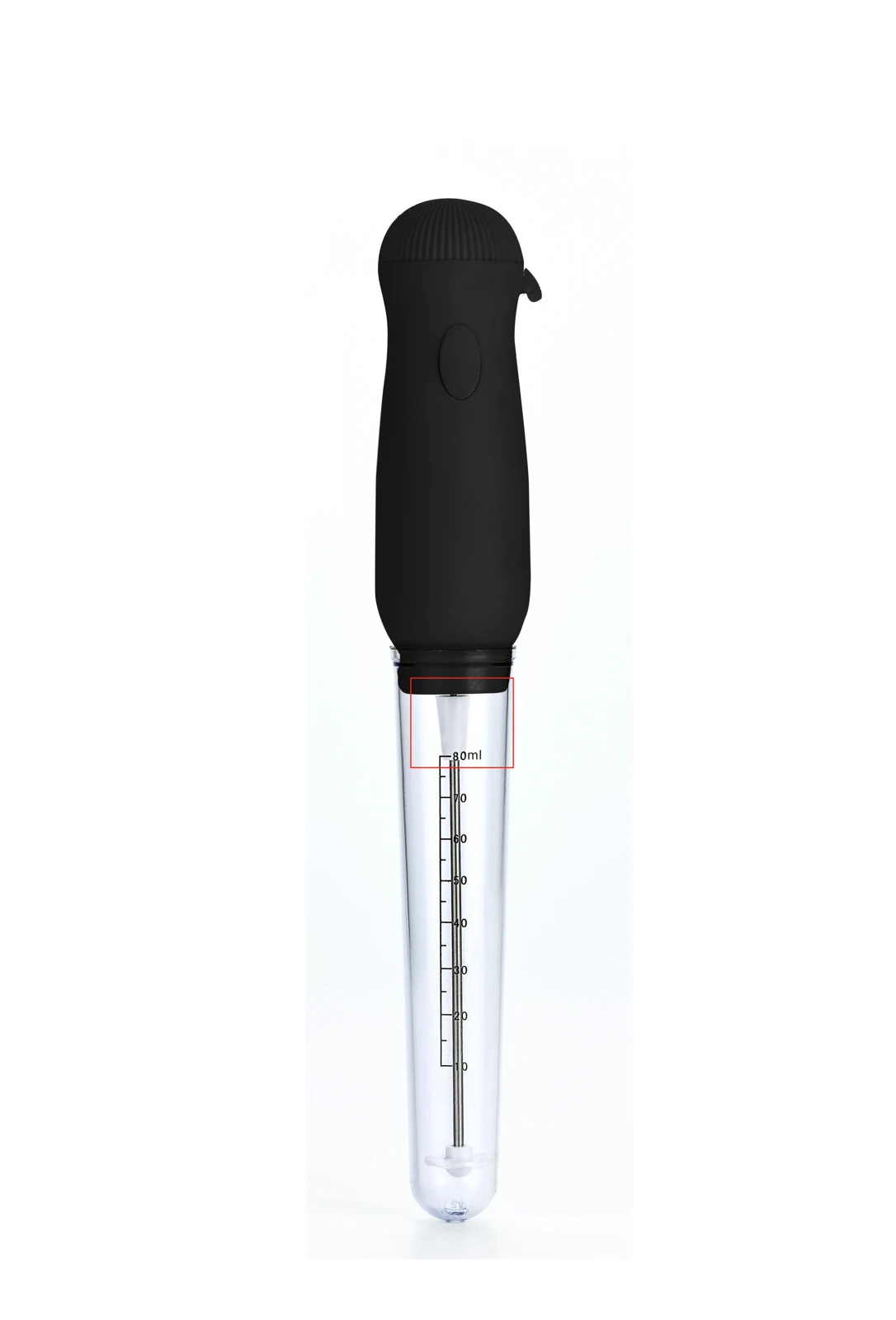
HB-206RL catalogue material identifies flat, plastic and spring head options, and an 80 ml measuring cup reference. Create one row for each item the consumer sees in the artwork or listing. Define its quantity and whether it ships in this pack or is merely an option under a different offer. Ask the supplier to identify any item shown for illustration and agree how it will be described.
Use a packed sample to check the handover
Open a representative pack under the ordinary sample review process and compare its contents with the item list. Check that the insert names the included head where the guide covers multiple variants. If pack variants share a visual layout, use the model, item code and artwork revision to identify which heads belong with each version. Confirm that marketplace photos and box text describe the same supplied set.
Agree the change rule for replenishment
Record the approved head, pack revision and sample ID on the order. If the factory proposes a change because of stock or a new pack layout, have the buyer review the affected wording before supply. Preserve the old and new pack references separately when both are in distribution. This gives retailer support a reliable answer when a buyer asks what should be in a particular box.
What to send with your enquiry
Send the desired HB-206RL set, packaging draft and destination. Request itemised included and optional accessories plus a matching packed sample.
- View the exact model record
Read the recorded configuration and relevant evidence notes.
- Send your project details
Provide your order requirements and the open evidence questions.
| Check | Record or request | Decision |
|---|---|---|
| Artwork line | Each depicted or described accessory and quantity | Compare with the supplied set |
| Sample pack | Contents, code and manual revision | Confirm launch pack completeness |
| Replenishment | Changed component and affected artwork | Request a new decision where needed |
Can the product photo show all available heads?
Make the approved supplied set clear. If a photo shows optional heads, use wording that distinguishes them from the contents of the specific retail pack.
Sources
Models covered by this guide
Check the current configuration, source and enquiry requirements on the individual model page.