
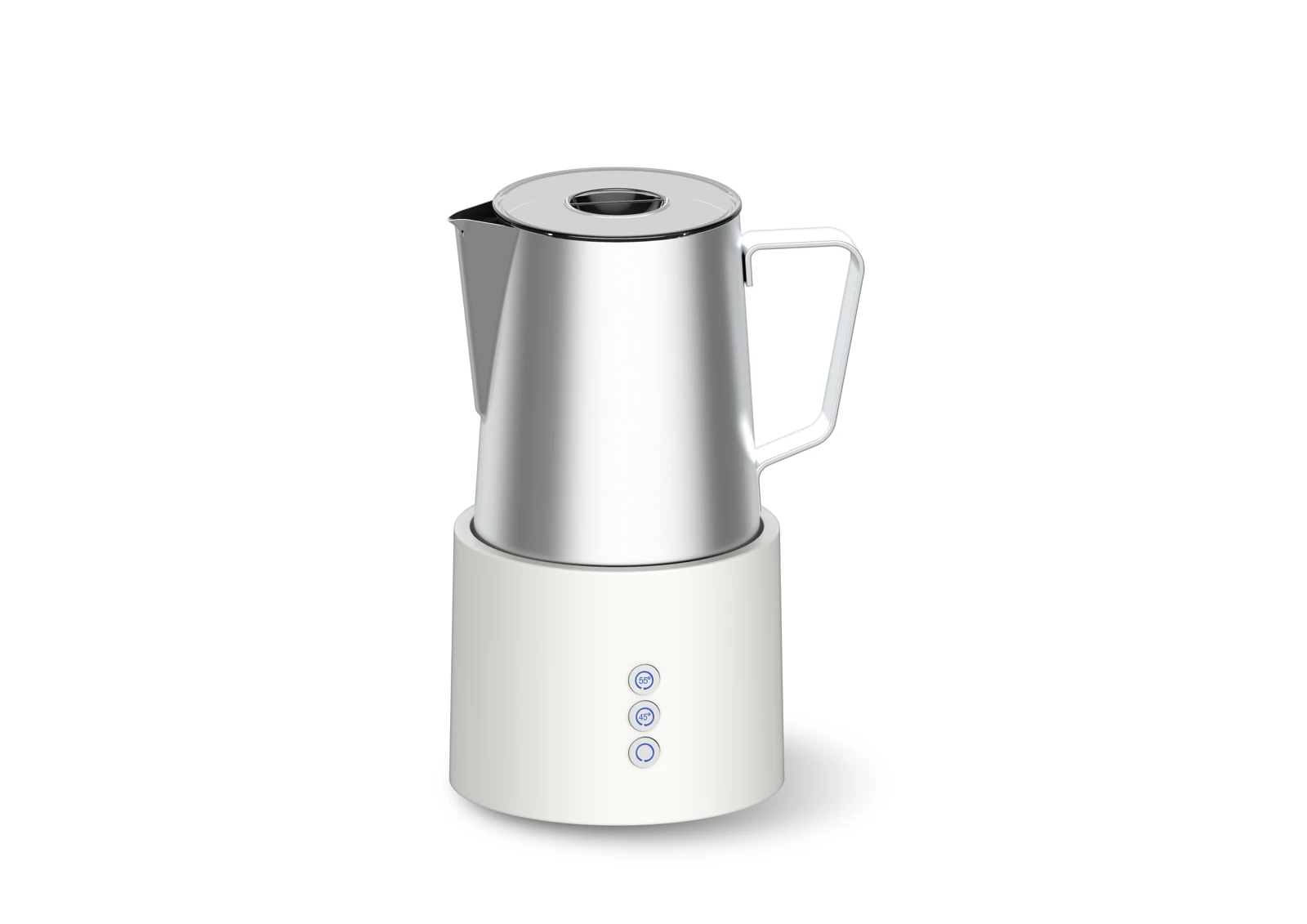
Approve each control label against the supplied sample and the instructions for that mode. Treat the panel, quick-start insert and retail artwork as one release package.
Build a cross-reference for each labelled mode
The HMF-2301 catalogue lists timing and temperature references as well as a mixing-only reference. Map the proposed panel label or icon to the applicable manual page and the intended action. Check which fill limits and accessories the instructions assign to each mode. Apply the catalogue references at their stated scope and request a current instruction whenever the release wording goes further.
Compare the sample with the artwork and insert
Record the model and market version, panel revision, manual revision and packaging proof. Ask the product team to confirm how the user selects, starts and recognises the end of each mode under the applicable instructions. If a timer value appears on artwork, find the source for the value and confirm the conditions it describes. Capture mismatches rather than assuming the box is correct because its design matches the approved colours.
Handle translated labels and later revisions
Give the translator an approved definition for each mode and confirm that the short label preserves essential distinctions. Keep the revision date and responsible reviewer with the mode map. If the supplier changes an icon, program or instruction, review any related packaging and digital listings before releasing the changed version. This prevents users from seeing one name on the panel and a different instruction in the box.
What to send with your enquiry
Send the HMF-2301 model version and proposed panel, pack and languages. Request a mode map and the current matching instructions.
- View the exact model record
Read the recorded configuration and relevant evidence notes.
- Send your project details
Provide your order requirements and the open evidence questions.
| Check | Record or request | Decision |
|---|---|---|
| Control legend | Exact label, icon and selected mode | Tie the label to one defined function |
| Mode instructions | Manual page and applicable fill/operation limits | Give users the right instructions |
| Release set | Sample, artwork, quick-start and listing revisions | Publish a consistent version when approved |
Does the nominal maximum fill automatically apply to every mode?
Confirm the working limit in the selected model’s instructions for the particular mode and ingredients. Keep unspecified limits open in the review.
Sources
Models covered by this guide
Check the current configuration, source and enquiry requirements on the individual model page.